
Description
Pazienza Booking adds a fully integrated online booking form to your WordPress site, connected to Pazienza — the all-in-one management platform for professionals and small studios.
GitHub: https://github.com/PazienzaApp/pazienza-booking
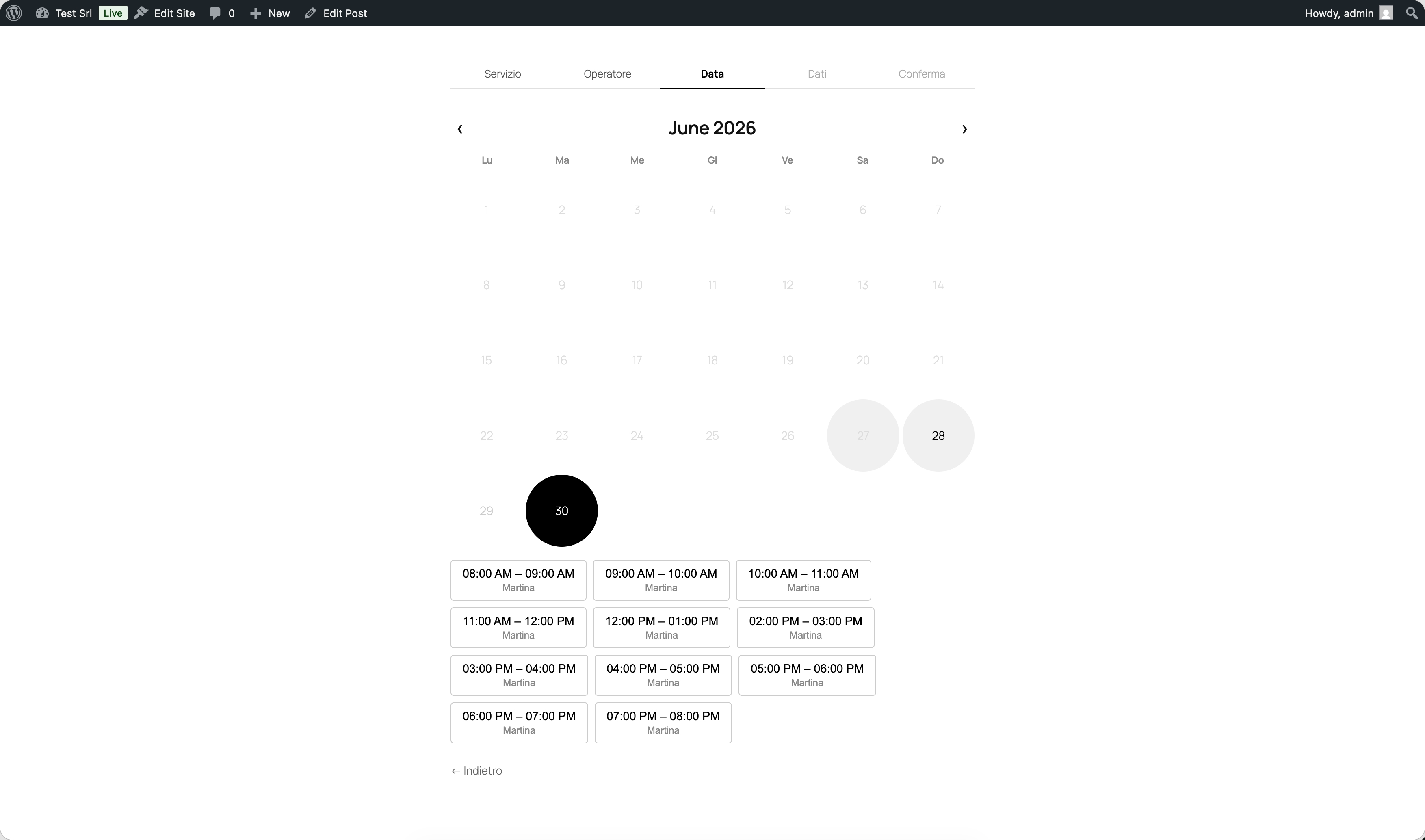
Your clients can book appointments independently: they choose the service, the operator (optional), the date, and an available time slot — all directly on your website.
Key Features
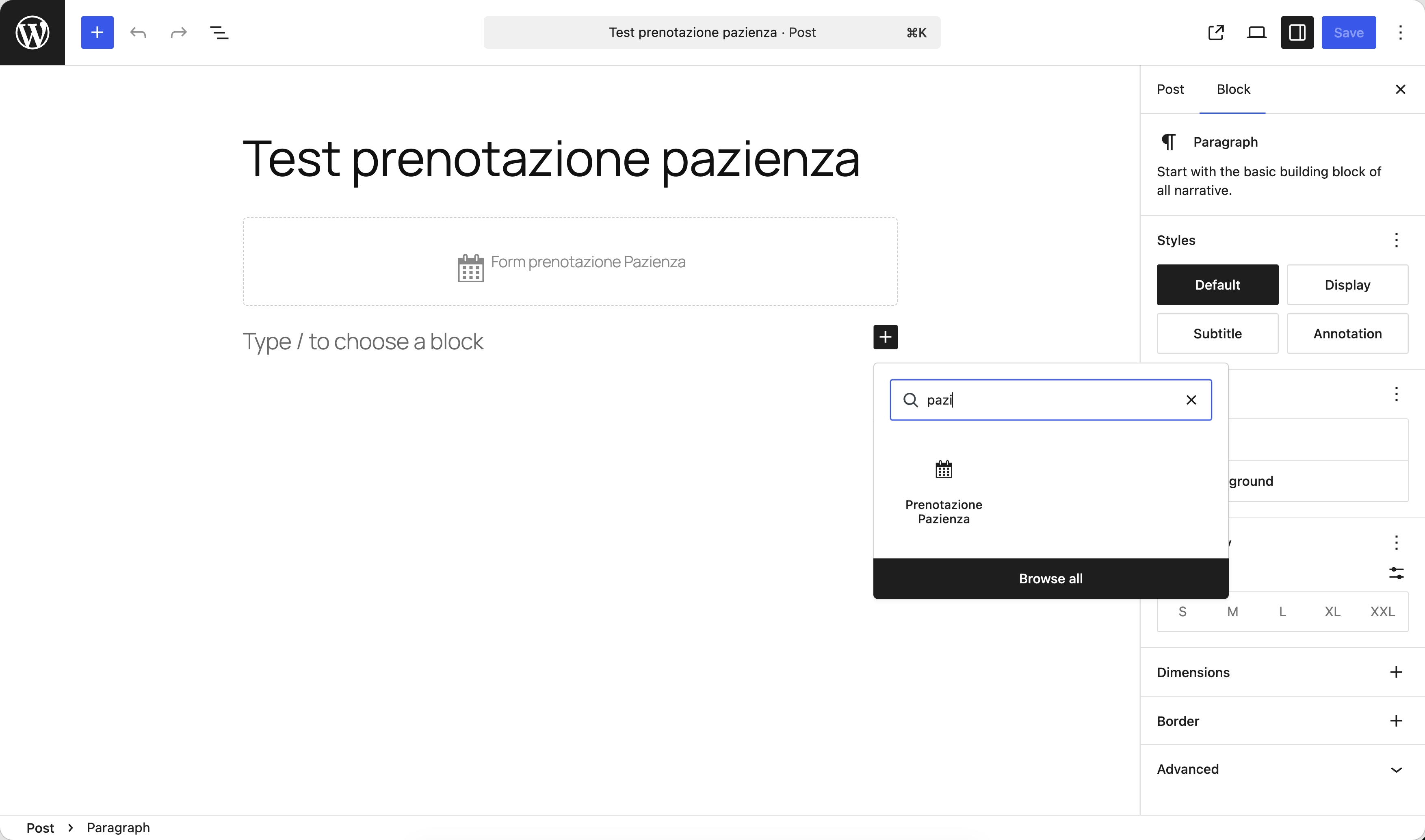
- Gutenberg Block — Insert the booking form on any page with a single click in the block editor.
- Real-time availability — Time slots are always in sync with the Pazienza calendar. Double bookings are automatically prevented.
- Service and operator selection — Clients can choose the service and, if configured, their preferred operator or resource.
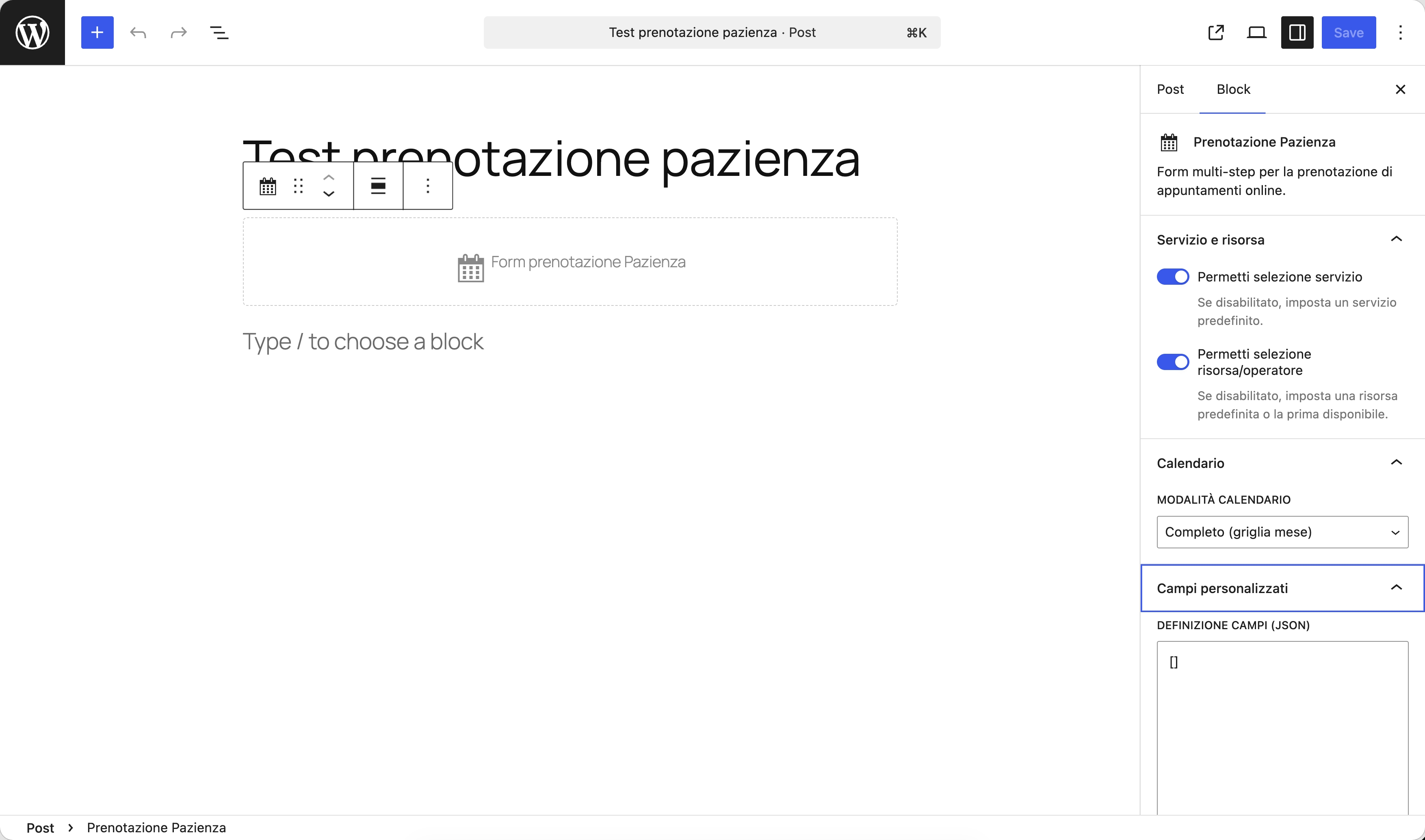
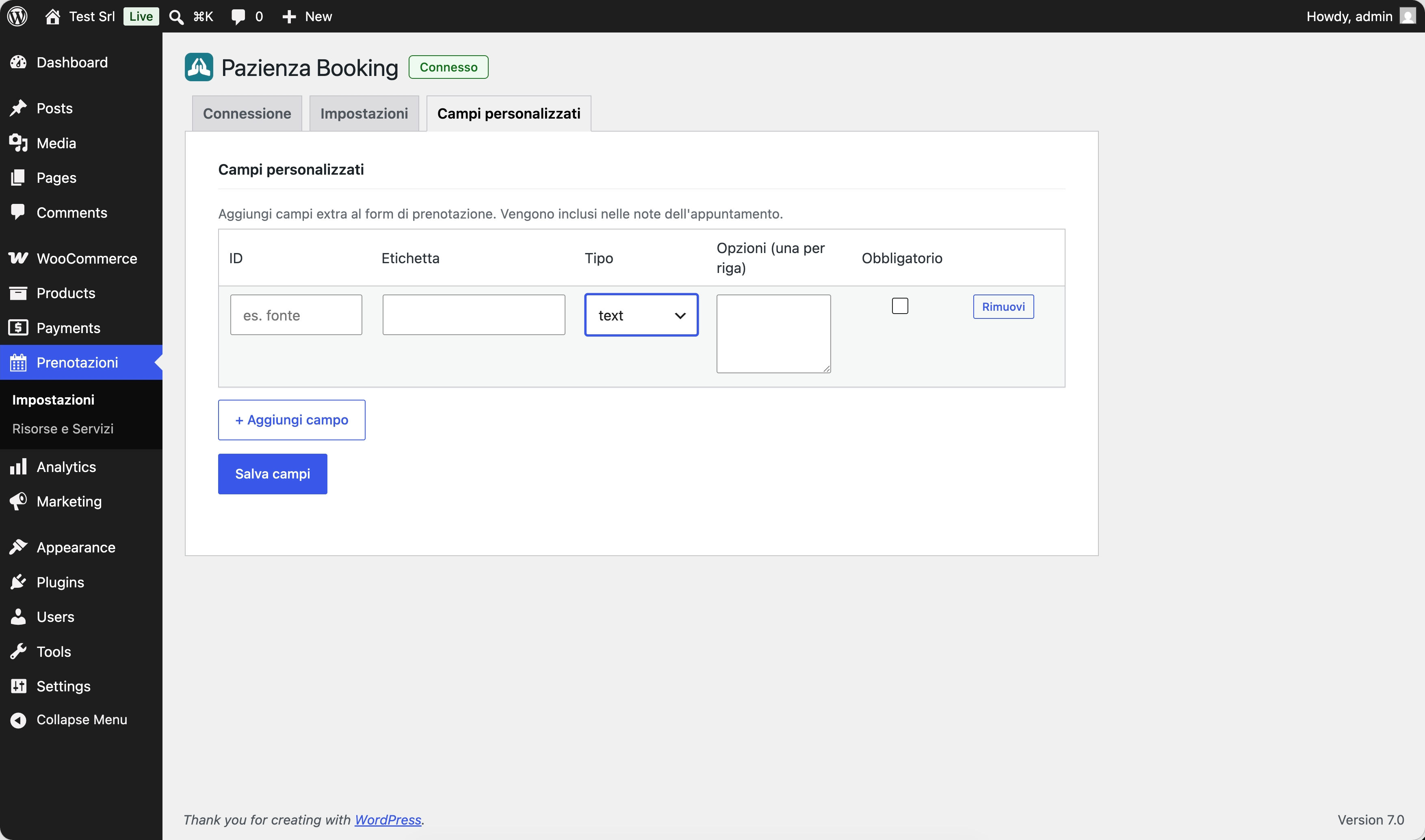
- Custom fields — Add custom questions to the booking form (e.g. “Briefly describe your issue”).
- Automatic confirmation email — The client receives an email with a booking summary and, optionally, a cancellation link.
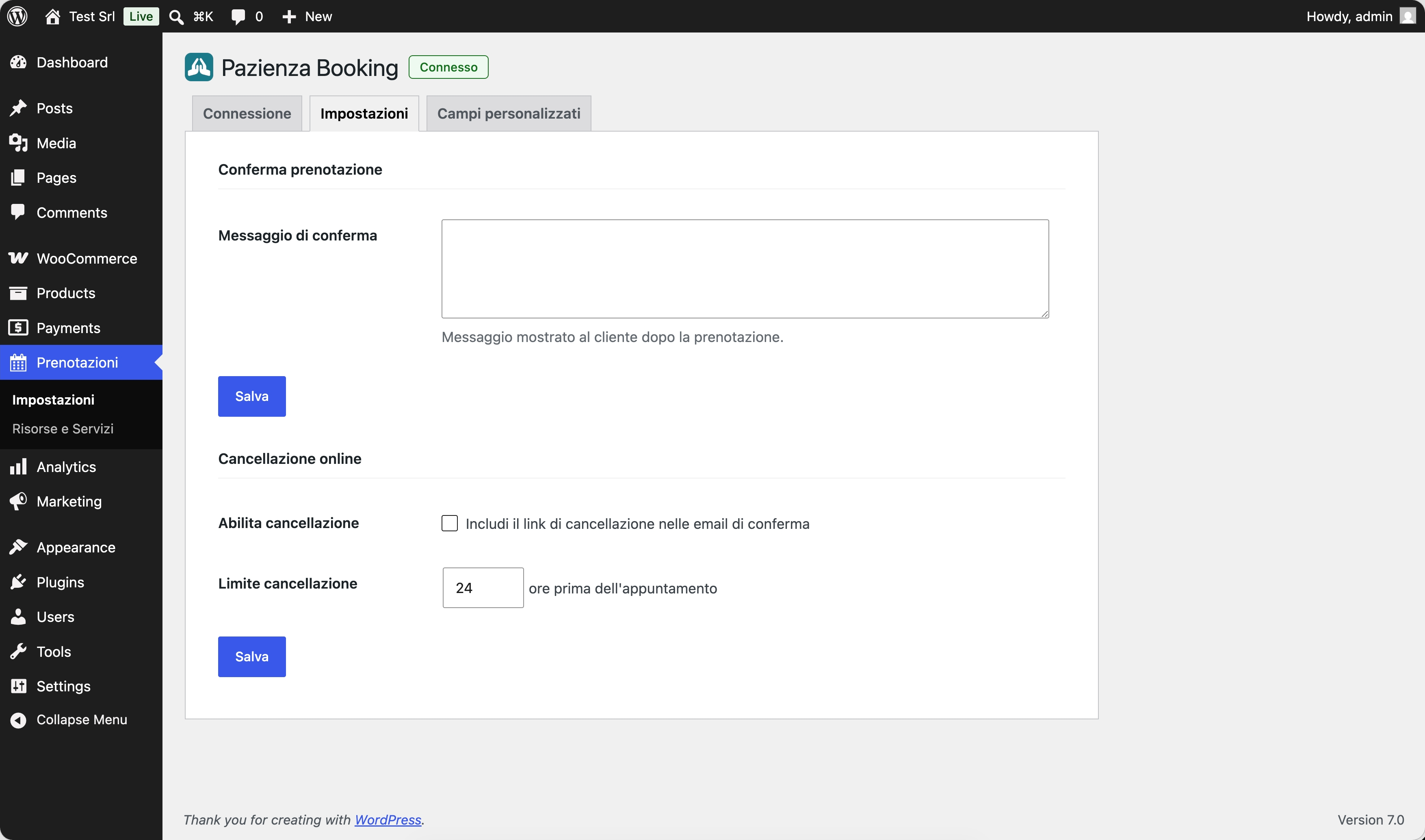
- Online cancellation — Enable a time-limited cancellation link so clients can cancel within the window you configure.
- My Account integration — If WooCommerce is active, logged-in customers find their bookings (upcoming and past) in the “My Account” area.
- No-code setup — Fully visual configuration, no theme modifications required.
Requirements
- Active Pazienza account (plans & pricing)
- Pazienza Core plugin active
- WordPress 6.5 or later, PHP 8.1 or later
External Service
This plugin communicates with the Pazienza Cloud API (https://www.pazienza.app) to retrieve availability slots, create bookings, and manage customer records. An active Pazienza account is required.
Data transmitted includes: client name, email, and phone number; the selected service and time slot; any custom fields completed by the client. No data is shared with third parties.
Source Code
The human-readable source code for the compiled Gutenberg block (blocks/booking-form/build/) is available in the blocks/booking-form/src/ directory included in this plugin, and on GitHub:
- Repository: https://github.com/PazienzaApp/pazienza-booking
- Block source:
blocks/booking-form/src/ - Build tool:
@wordpress/scripts(webpack). Runnpm install && npm run buildinsideblocks/booking-form/to regenerate the compiled files.
Screenshots
Blocks
This plugin provides 1 block.
- Prenotazione Pazienza Form multi-step per la prenotazione di appuntamenti online.
Installation
- Make sure the Pazienza Core plugin is installed and active.
- Install Pazienza Booking via Plugins › Add New, or upload the folder to
/wp-content/plugins/. - Activate the plugin.
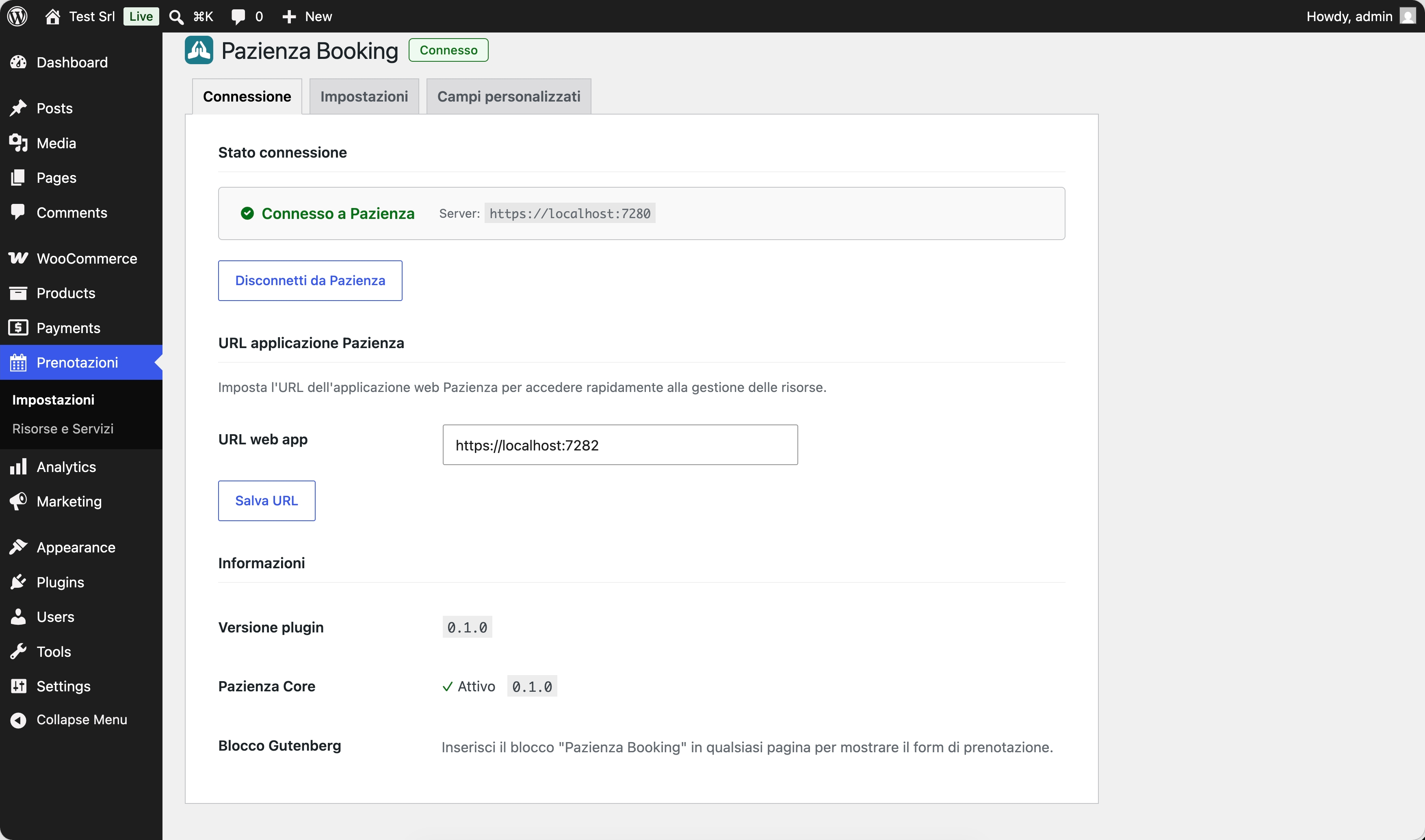
- Go to Pazienza › Booking › Settings and enter your Pazienza instance URL.
- Click Connect with Pazienza to authorise the site via OAuth.
- Edit the page where you want to show the booking form and add the “Pazienza Booking” block from the Gutenberg editor.
FAQ
-
Do I need a Pazienza account to use this plugin?
-
Yes. The plugin connects to the Pazienza platform via API. Without an active account, the form will not display any services or time slots.
-
Can I customise the appearance of the form?
-
The form inherits your theme’s base colours. You can add custom CSS via the theme customiser. The HTML structure follows Gutenberg block conventions.
-
Is it compatible with WooCommerce?
-
Yes. When WooCommerce is active, a “My Bookings” tab is automatically added to the customer’s “My Account” area, showing upcoming and past bookings with the option to cancel eligible ones.
-
Can I have multiple forms with different configurations on the same page?
-
Yes. You can insert multiple “Pazienza Booking” blocks and configure each independently: default service, default resource, and display mode (with or without operator selection).
-
Does the plugin work with page builders (Elementor, Divi, etc.)?
-
The block is built as a native Gutenberg block. It works out of the box in page builders with Gutenberg block support. For page builders that do not support Gutenberg blocks, a shortcode (
[pazienza_booking]) is planned for a future release. -
How does the online cancellation link work?
-
When you enable the option in settings, the confirmation email includes a unique link with a configurable expiry (hours before the appointment). When the client clicks the link, the booking is removed from Pazienza.
Reviews
There are no reviews for this plugin.
Contributors & Developers
“Pazienza Booking” is open source software. The following people have contributed to this plugin.
Contributors
Translate “Pazienza Booking” into your language.
Interested in development?
Browse the code, check out the SVN repository, or subscribe to the development log by RSS.
Changelog
0.1.0
- Initial public release.